Microsoft Excel Basic To Advanced: Fullstack Intensive Bootcamp
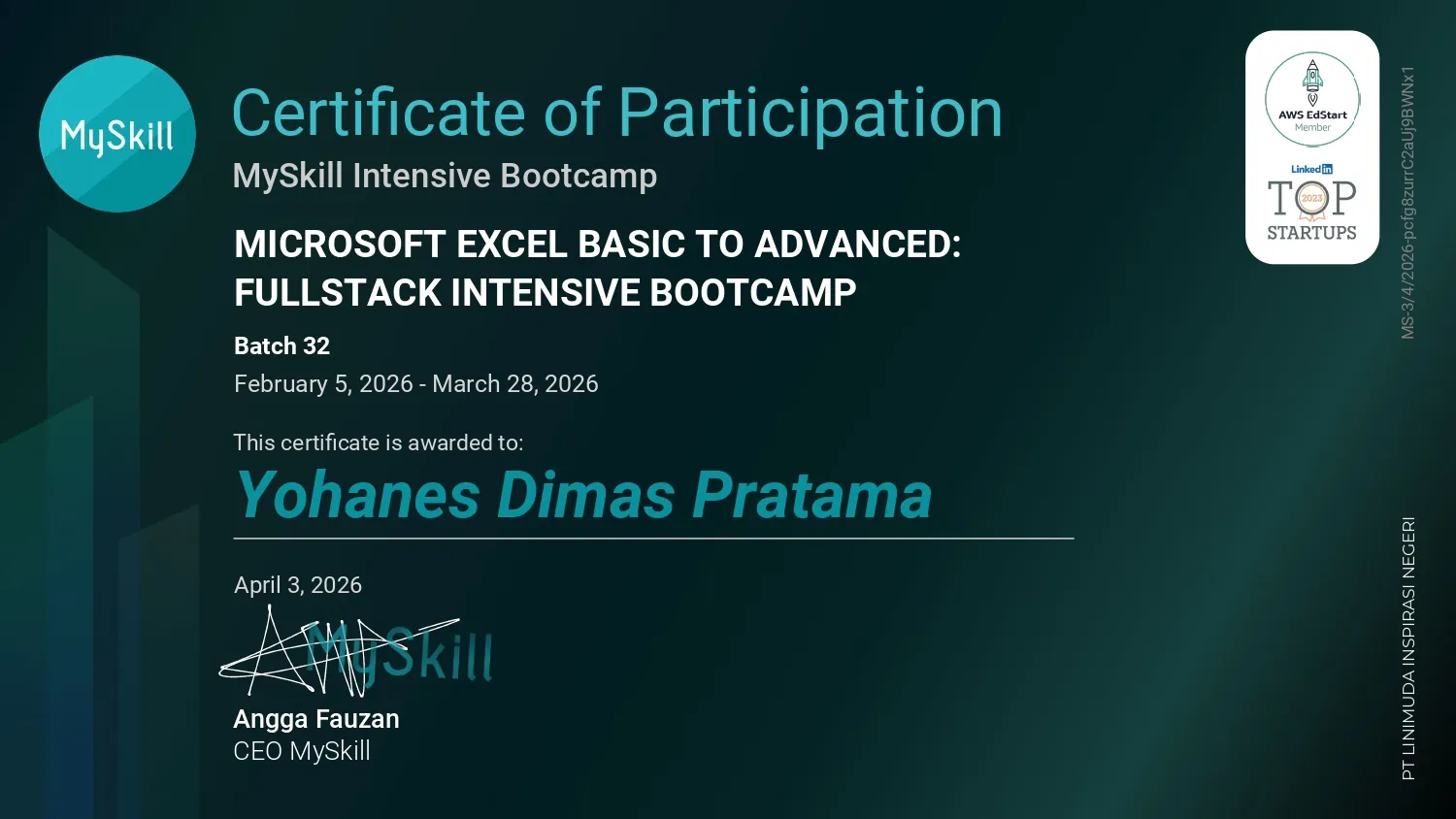
Microsoft Excel Basic To Advanced: Fullstack Intensive Bootcamp is a MySkill credential dated March 2026 describing a multi-module Excel learning program. The listed progression begins with career context and basic formulas, then covers formatting and cleansing, conditional logic, data validation, and visualization. VLOOKUP and INDEX/MATCH, PivotTables, dashboard reporting, and VBA macros extend the technical scope, while a career class and group project presentation appear among the learning modules. The record names those activities but does not specify a project topic or measurable result.
This credential is officially authenticated by the issuing platform. You can verify the public records and cryptographic validity directly.
Career Excel Path
Explores learning paths and roles related to Excel skills. The module places spreadsheet learning in the context of practical tasks and career development.
Excel Basic Formula and Function
Introduces Excel formulas and functions for spreadsheet calculations. References and basic functions provide a foundation for calculations that update when source cells change.
Data Formatting and Cleansing
Covers making data consistent through formatting and cleansing. Consistent types and cleaned entries make later filtering, formulas, and summaries more dependable.
Conditional IF Else Formatting
Addresses conditional IF logic and formatting based on cell values. Conditional logic assigns results based on a test; visual formatting can make those results easier to scan.
Data Validation
Covers restricting or checking entries with data validation rules. Rules for allowed values help catch invalid entries at the point of data input.
Data Visualization
Explores visual ways to communicate spreadsheet results. Charts and visual summaries can reveal comparisons and changes that are difficult to see in raw rows.
Vlookup and Index Match
Covers matching records using VLOOKUP and INDEX/MATCH. These methods connect related tables by a key while returning the desired value from a matching record.
Pivot Table
Addresses grouping and summarizing data with PivotTables. Rearranging fields lets a single dataset answer different summary questions without rewriting source rows.
Dashboard Reporting
Covers arranging spreadsheet summaries into a reporting dashboard. A dashboard groups relevant metrics and charts so readers can examine a reporting question in one place.
Macro VBA
Introduces Excel automation through VBA macros. Automated steps need clear inputs and review so a macro does not silently repeat a mistake.
Career Class
Explores career-related topics as part of the Excel bootcamp. The class connects spreadsheet skills with how they might be communicated in professional settings.
Group Project Presentation
Covers presenting a group project and explaining its spreadsheet work. The emphasis is on making the approach, findings, and limits of a group exercise understandable to others.