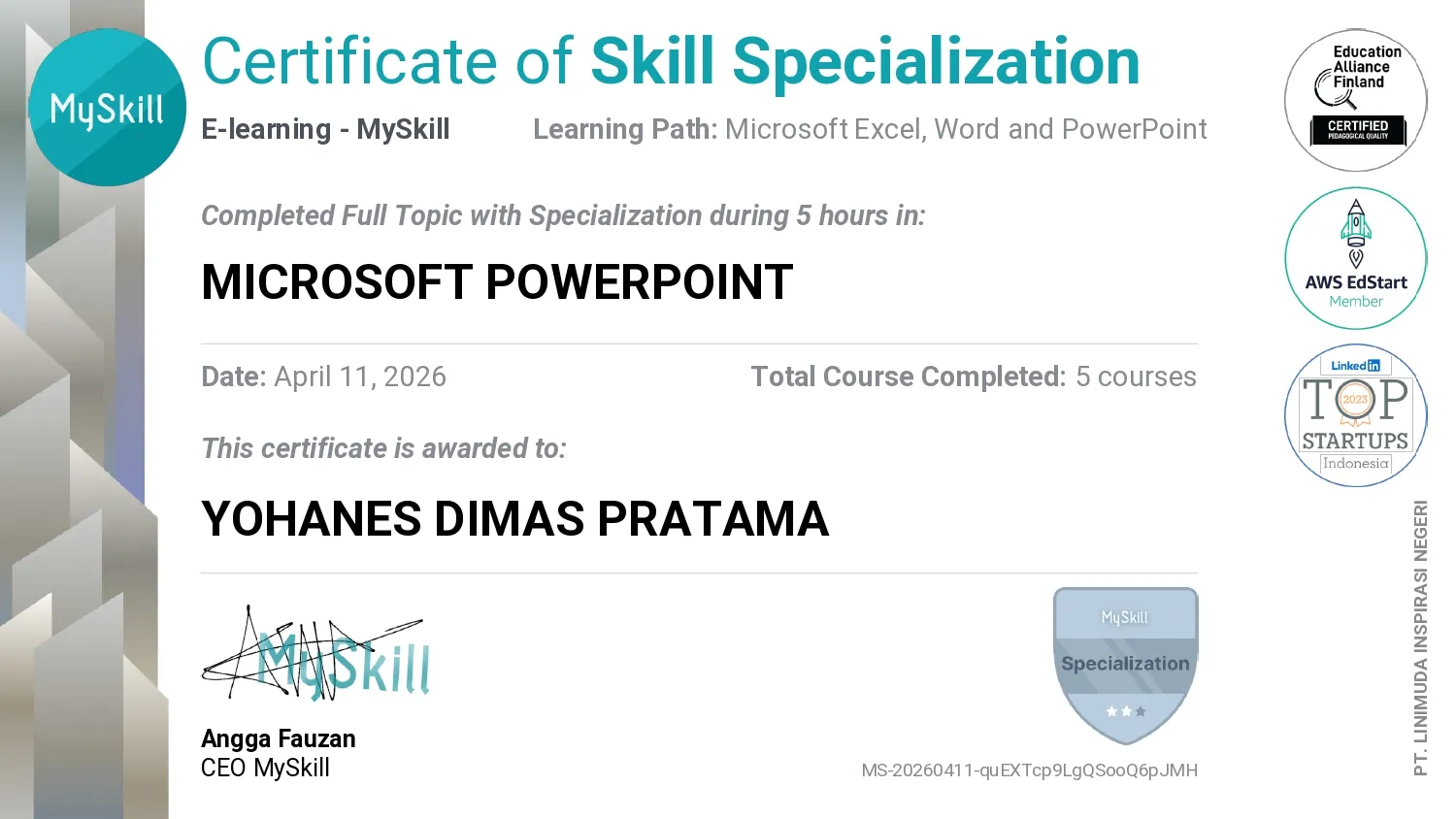
Microsoft Power Point is a MySkill credential dated April 2026 about building and managing slide presentations. The recorded topics progress from PowerPoint basics and presentation management to arranging slides and inserting or formatting text, shapes, and media. Tables, charts, SmartArt, and 3D models are also named as content types, so the credential covers both slide organization and visual communication; it does not document a particular presentation or audience outcome.
This credential is officially authenticated by the issuing platform. You can verify the public records and cryptographic validity directly.
Introduction to Microsoft PowerPoint
Introduces the tools and layout used to build PowerPoint presentations. A presentation combines slide content and speaking context, so each slide should support a clear point.
Managing Presentation
Covers organizing, saving, and maintaining presentation files. Keeping a coherent order and reusable layout helps a presentation remain consistent during edits.
Managing Slides
Addresses creating, ordering, and editing slides. Slide hierarchy and sequencing help an audience follow a topic from introduction to conclusion.
Insert and Format Text, Shape, Media
Covers placing and formatting text, shapes, and media on slides. Text and visuals need spacing and contrast so they support the message rather than compete for attention.
Insert Table, Chart, SmartArt, 3D Model
Addresses adding tables, charts, SmartArt, and 3D models to slides. Each element suits a different purpose: tables show values, charts compare data, and diagrams explain relationships.